HubSpot
HubSpot Integration Guide
- From your dashboard, click on the gear icon in the top right corner to enter Settings.
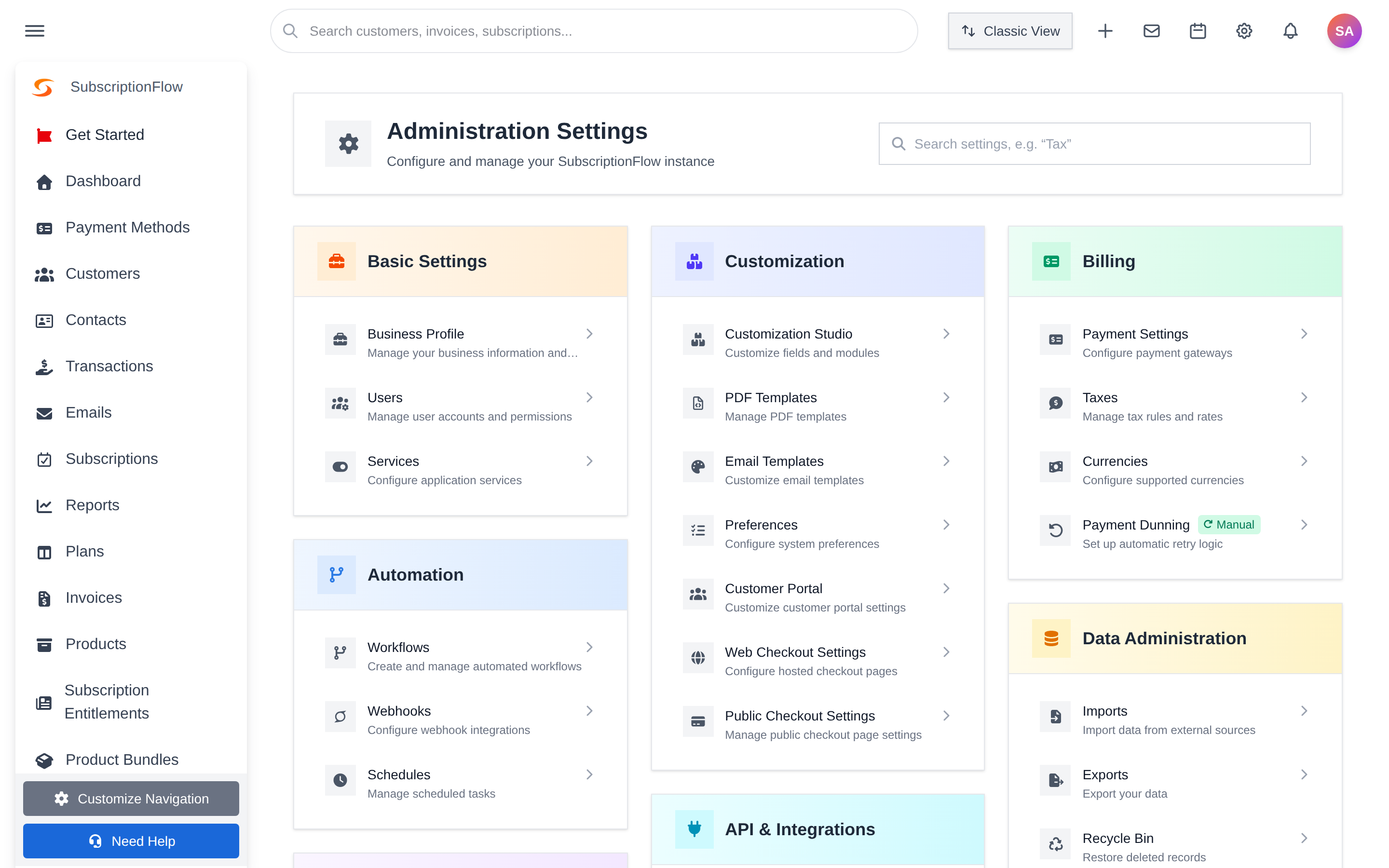
- Inside Settings, navigate to the 'Apps' under Apps & Integrations.
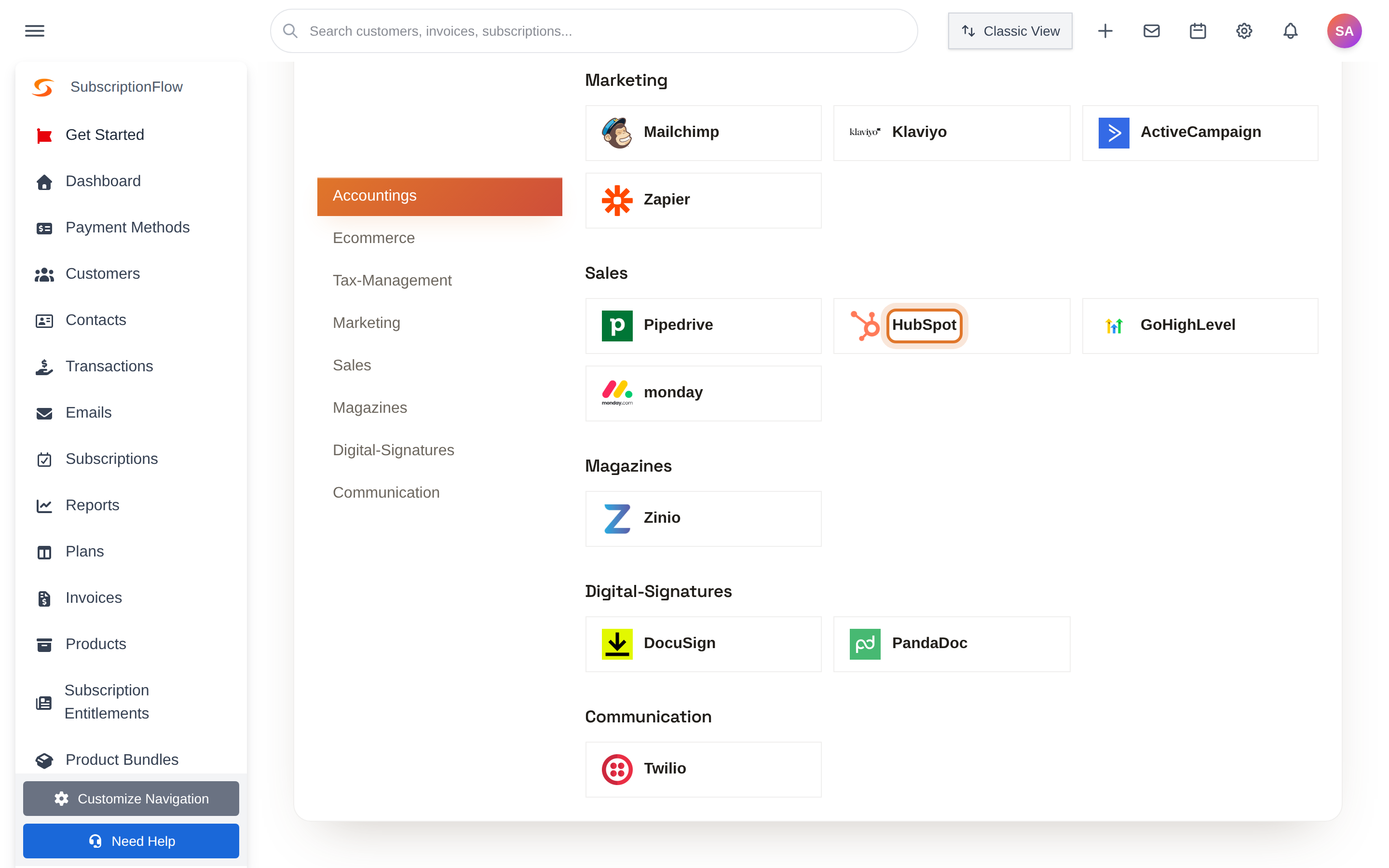
- This will take you to a list of third-party apps which can be integrated with SubscriptionFlow. Select 'HubSpot' under Sales.
- Next, click on the ‘Connect to HubSpot’ button.
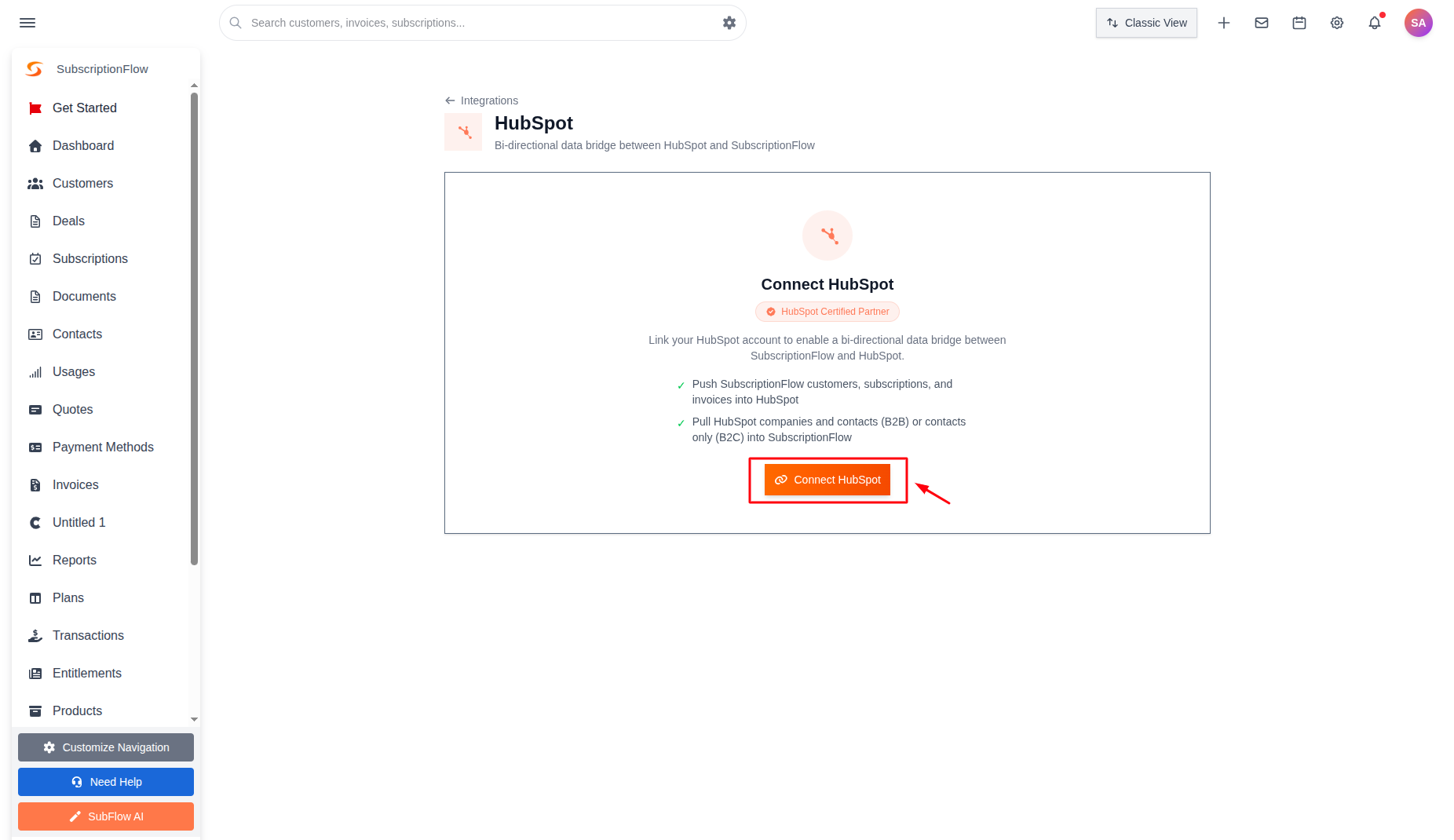
- This redirects you to HubSpot.
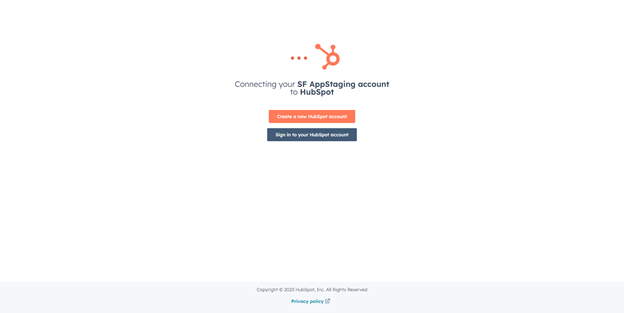
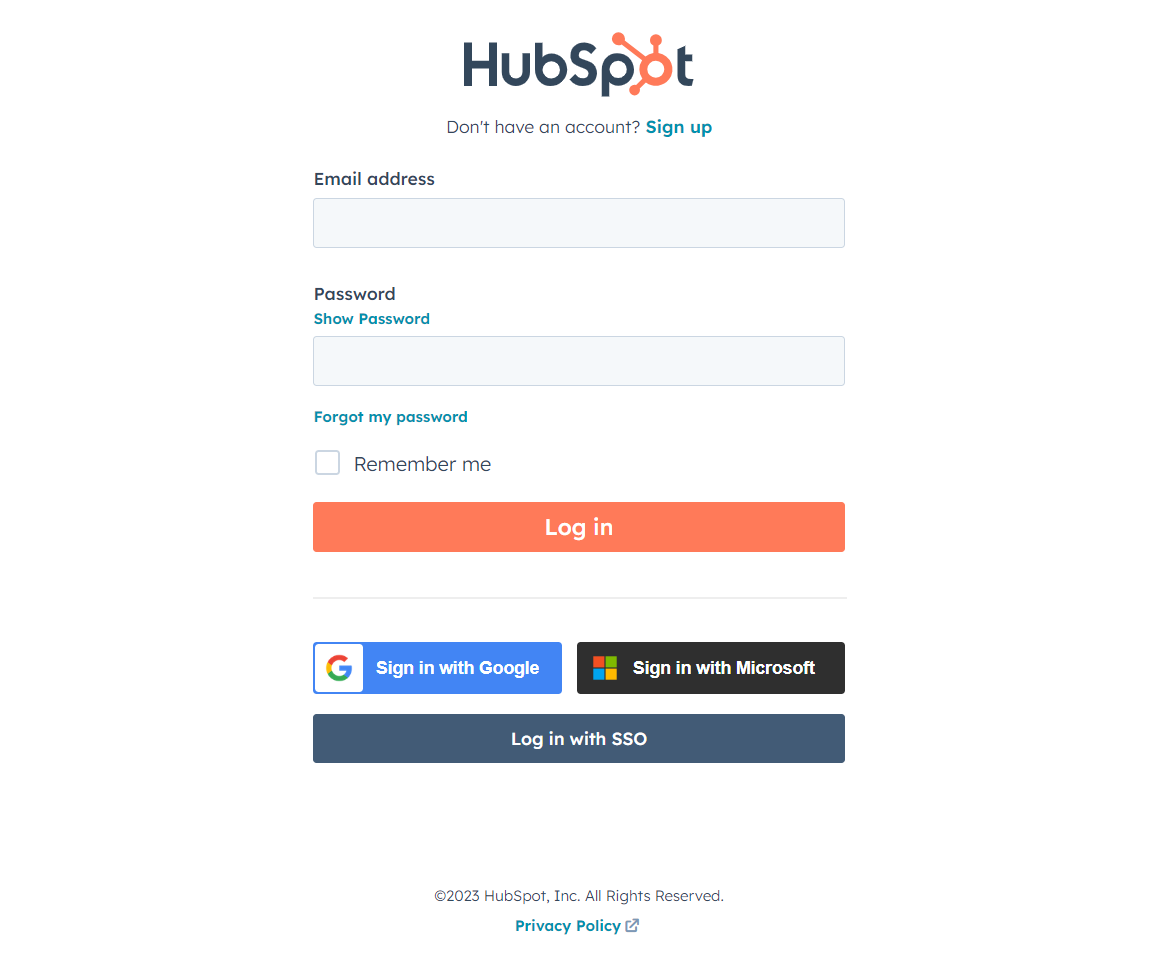
- Sign into your HubSpot account.
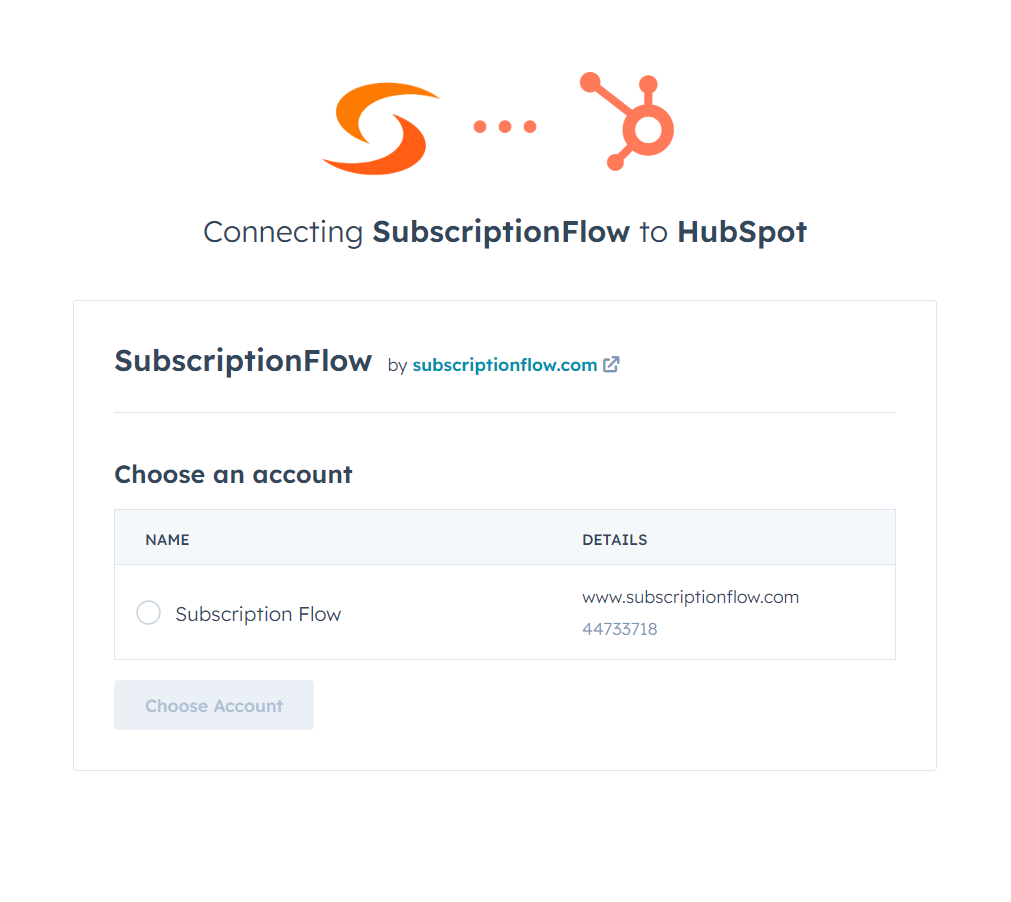
- Choose which HubSpot account you wish to integrate with SubscriptionFlow.
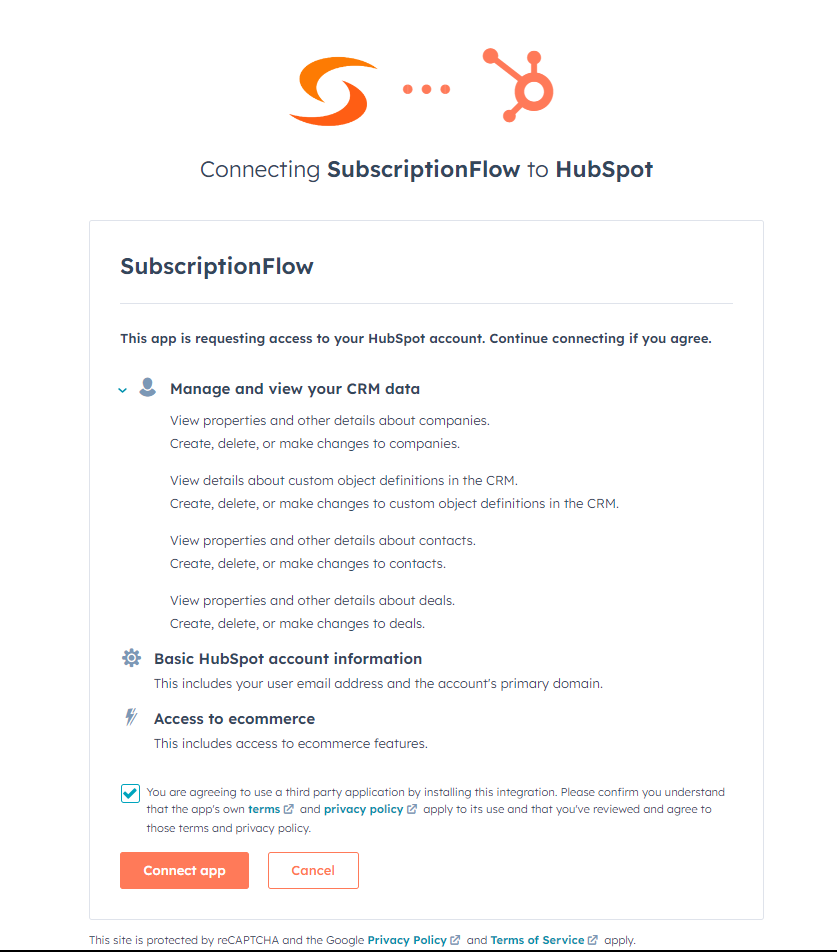
- A box containing data-sharing permissions will pop up. Agree to the terms and click the 'Connect App' button.
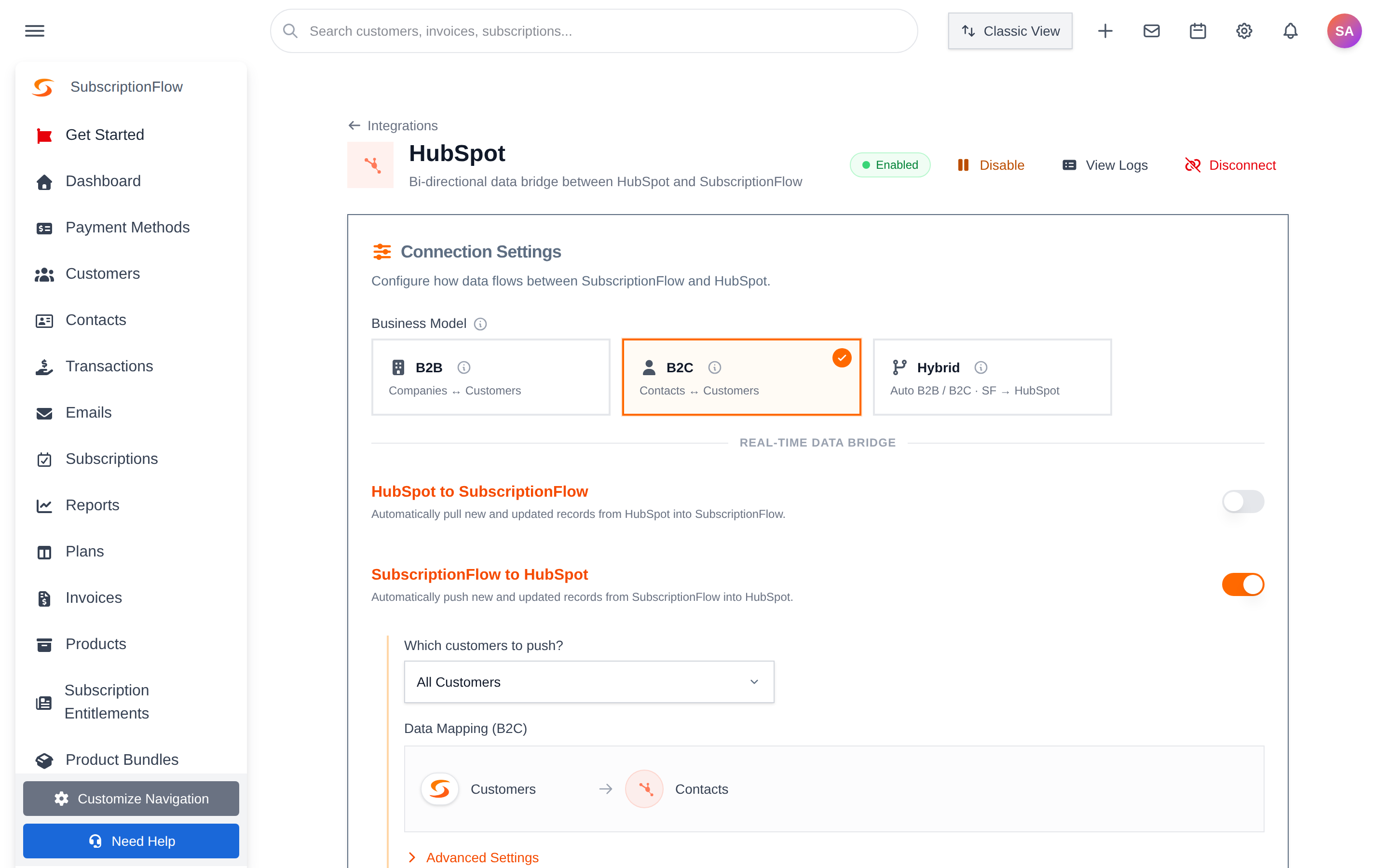
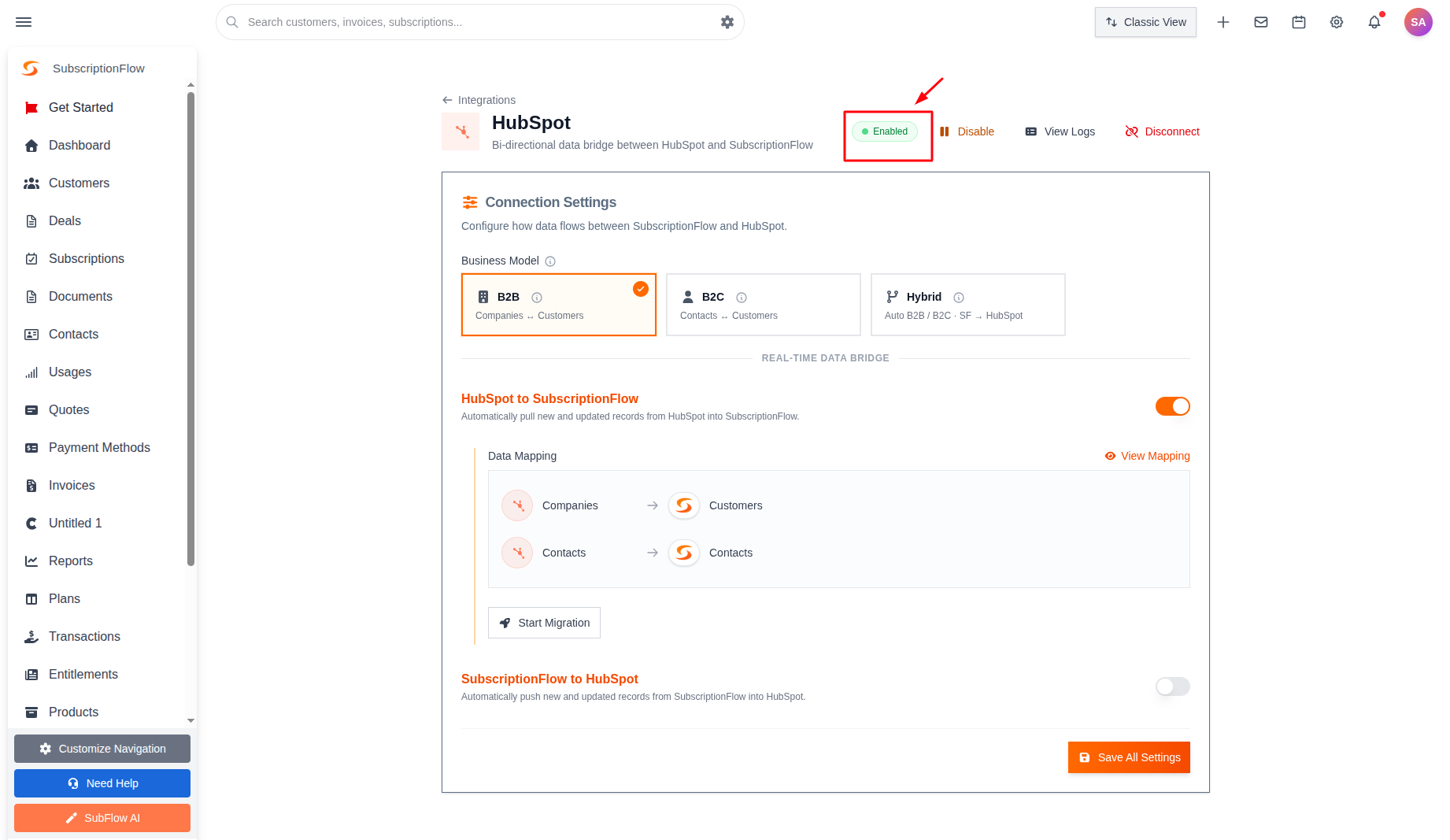
- The HubSpot App are connected and HubSpot will display a ‘Enabled’ status from inside your SubscriptionFlow account.
Was this article helpful?3 out of 3 found this helpful
Comments
0 comments
Please sign in to leave a comment.